
Each save creates a version. Open Version history from the dashboard toolbar to see who changed what and when.
- Select Show comparison to see changes line by line.
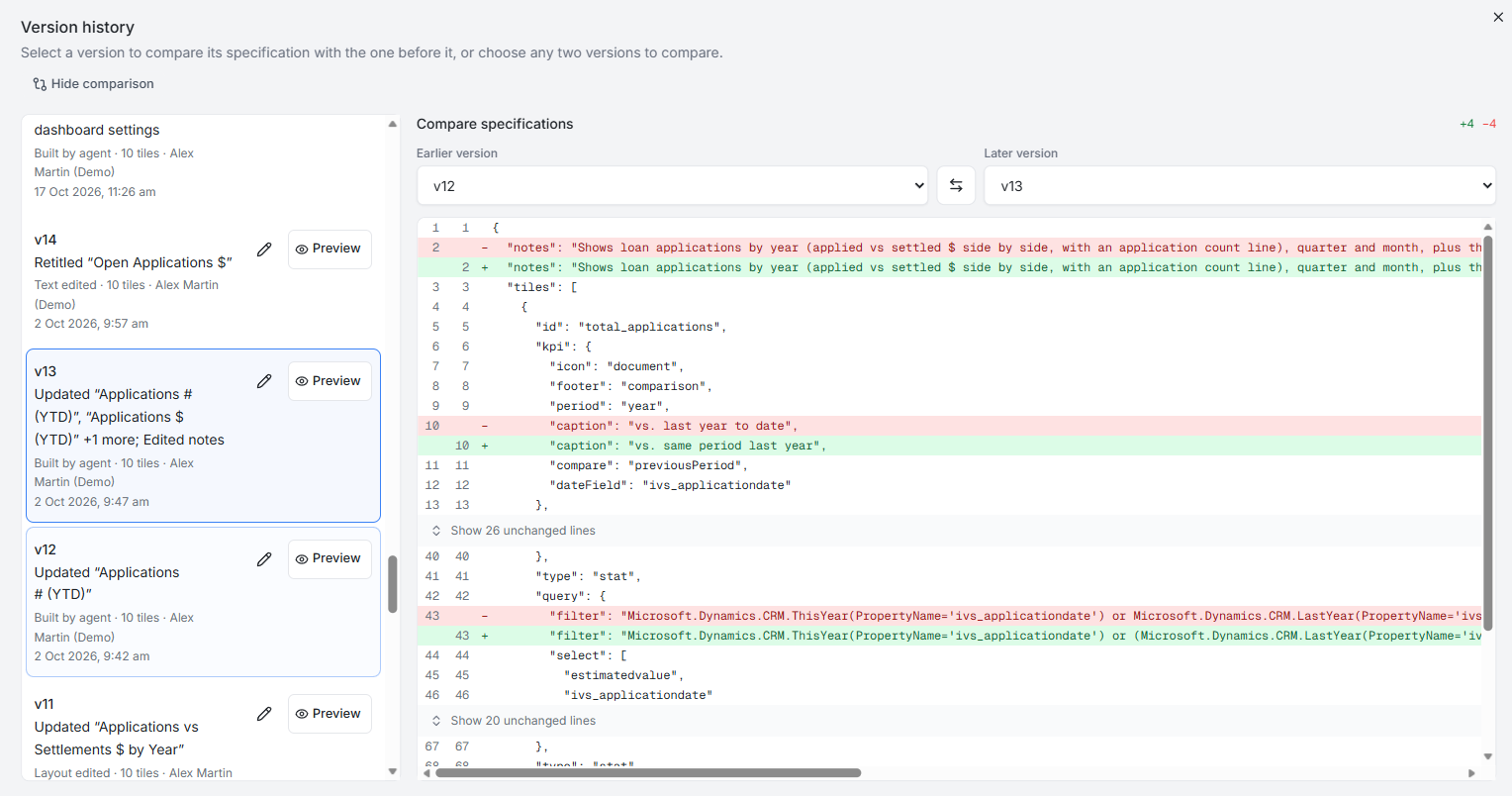 (opens full size in a new tab)
- Select a version to preview it.
- Select Restore to make it the current version. Restoring creates a new version, so nothing is lost.
 (opens full size in a new tab)
- Restoring does not change deployed dashboards. Deploy again to publish the restored version.