
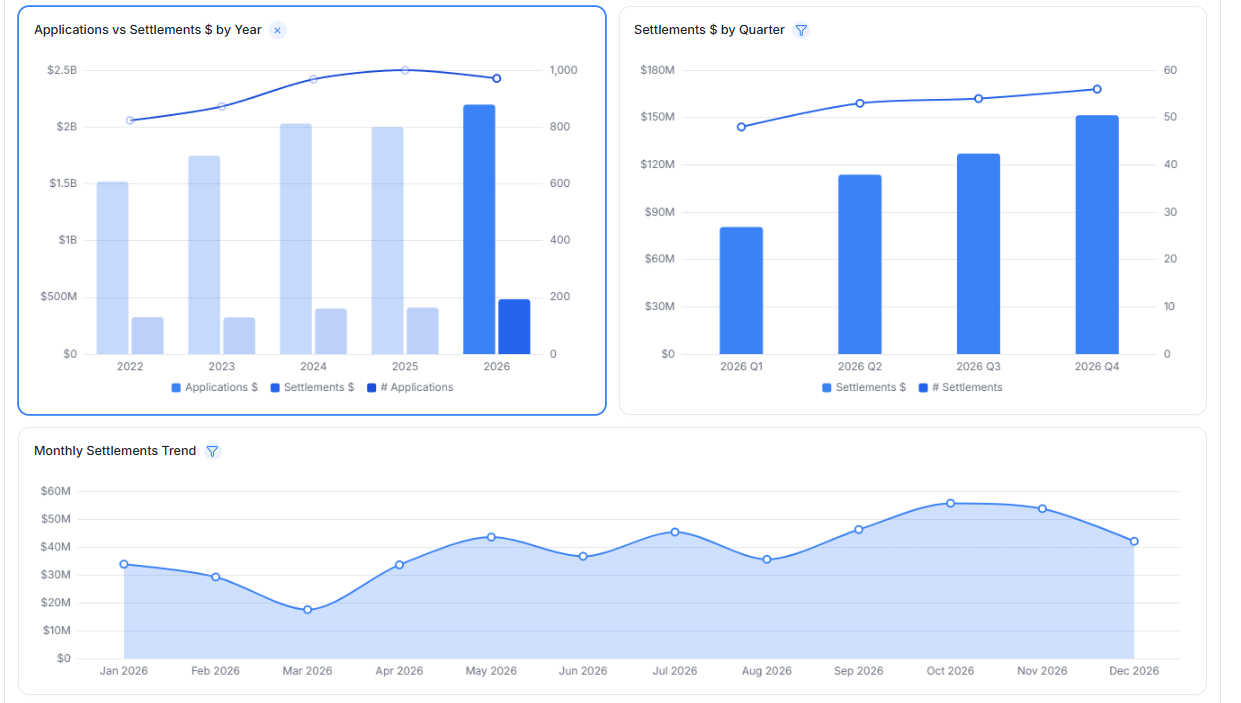
A dashboard is a layout of charts. Selecting a bar, slice or point in one chart filters the others on the same dashboard.
 (opens full size in a new tab)
Select a chart segment to filter. Select it again, or use Clear filters, to reset.
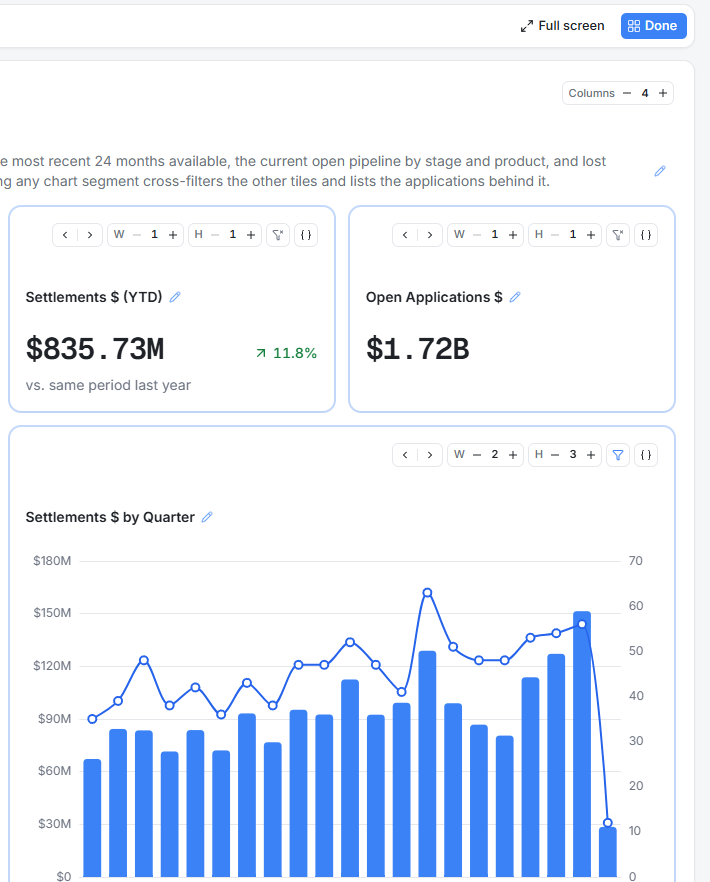
Edit layout
- Click on "Edit layout" to rename the dashboard name, description, chart title, reorder and resize them on the grid.
 (opens full size in a new tab)
- Each save creates a version, so you can compare or restore earlier layouts. See Versions and restore.